Copy Cat · Case Study
Thanks for Visiting
Reach out
Context
The short version · ~10 min read
Your Mac remembers one copy. Can you see the one before it?
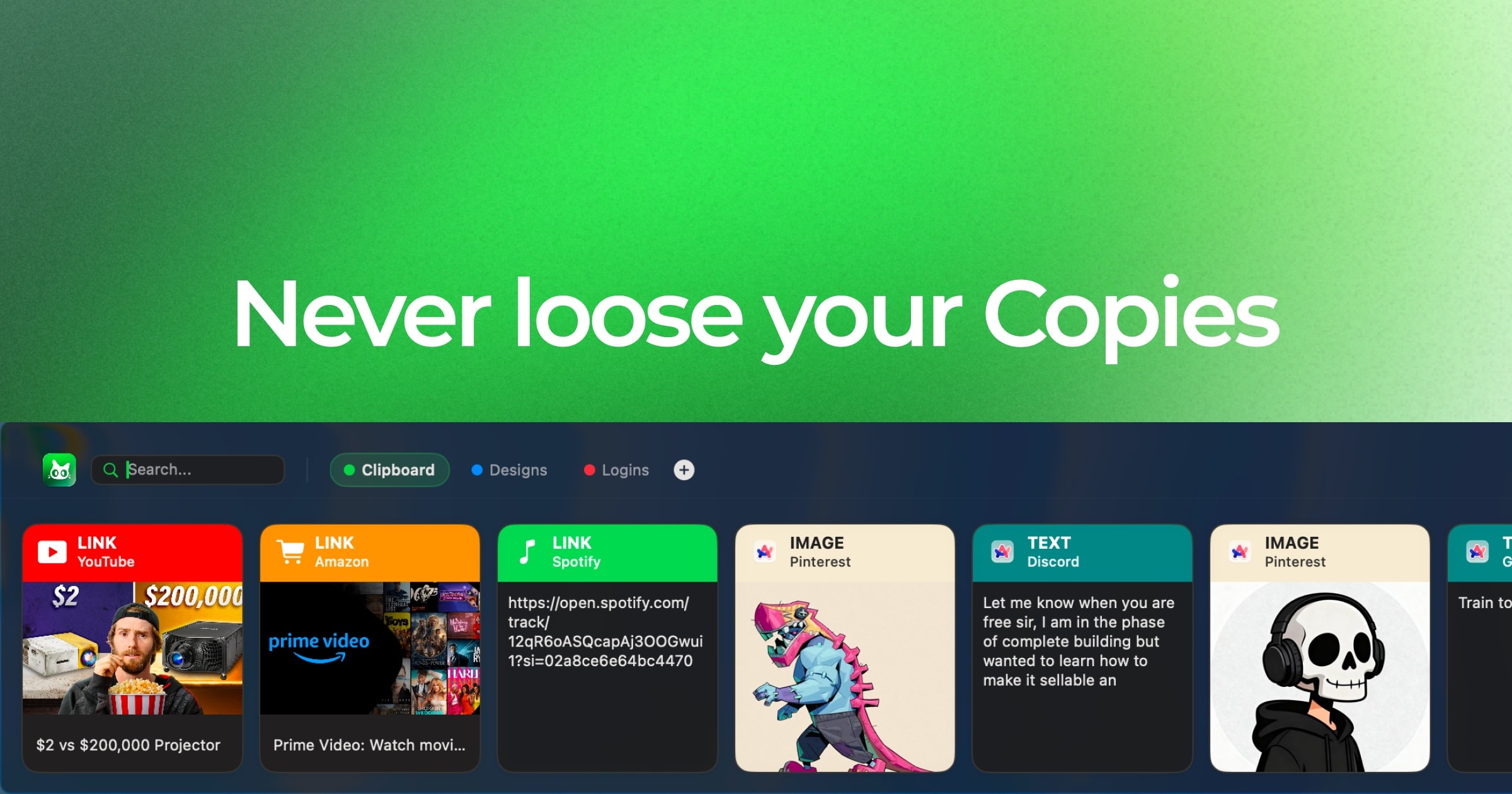
The problem was never remembering. Every clipboard manager does that. It is recognising: what comes back is a list of grey rows that all look the same.
My solution was to make every copy a card, over 4 decisions that started with not writing the engine. The output is a strip you read by sight, each card carrying the app it came from, what it is and a preview of the thing itself, live at 1.0.0 with everything staying on your Mac. The outcome is that people pay for it, bought once rather than rented after 7 days free.
- 21+
- Apps Copy Cat recognises, each with its own colour and icon
- 4
- Card types, each with its own badge and preview
- 24 days
- First commit to the launch build
Problem
The problem
Remembering is not the broken part. Every clipboard manager already does that.
Recognising is. What comes back is a list of grey rows that all look the same, so finding the one you copied earlier means reading the list line by line instead of seeing it.
See what you copied.
01The output
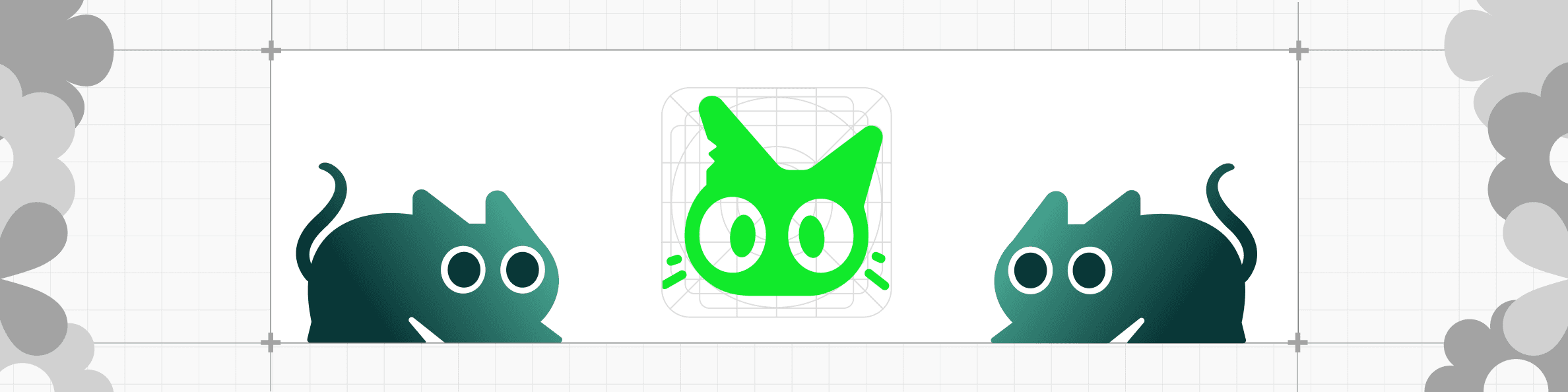
A card carries the app it came from, a badge for what it is, and a preview of the thing itself. Links go and fetch their own thumbnail and title. The result is a strip you read by sight, at the speed you read a shelf, rather than a list you read a line at a time.
Interactive Product Experience
A sample, not the Mac app. It cannot see your real clipboard. Refresh to reset
What else it does
History scrolls away, so anything you need twice goes on a named board with its own colour. Drag a card onto the tab, and pin the ones you reach for daily.
4 key decisions
02The solution
The engine for this already existed and was free. Every decision below is about what to do with the 3 hours a day it saved.
Whether to write the engine at all
Not taken
Build the clipboard engine myself
Shipped
Fork Maccy, rebuild what you see
How I got there
Maccy already worked and nobody enjoyed looking at it. The part that was missing was never the engine, so writing a second one would have been months spent arriving back at the start line.
What it cost
- User
- The shortcuts and settings are Maccy's conventions, not mine.
- Technical
- Every new idea has to fit an architecture I did not choose.
- Business
- Named as a fork forever, on a product people pay for.
What comes back when you look
Not taken
A faster list of text rows
Shipped
A card with source, type and preview
How I got there
Every clipboard manager fixes the remembering and stops there. Recognising the one you want is the part nobody built, and you cannot recognise a row of grey text.
What it cost
- User
- Fewer items on screen at once than a list would give you.
- Technical
- 21 app designs, 4 card types, and links that fetch their own thumbnail.
- Business
- The product now rests on how it looks, not on what it stores.
Where the icons come from
Not taken
Draw a set of my own
Shipped
Apple's SF Symbols throughout
How I got there
A Mac app that draws its own arrows looks foreign on the platform it lives in. This one sits on top of whatever you are already doing, so looking foreign is the one thing it cannot afford.
What it cost
- User
- Every glyph is one they already know from every other Mac app.
- Technical
- Tied to Apple's set, so a missing symbol has no fallback I control.
- Business
- No icon language of its own, so the brand sits entirely on the green.
How it gets paid for
Not taken
Rented monthly
Shipped
Bought once, after 7 days free
How I got there
It lives in the menu bar and does one job. The trial takes no card and no account for the same reason the price is not a subscription: neither is a thing this app has earned the right to ask for.
What it cost
- User
- You buy a version, not a promise that the next one is included.
- Technical
- Updates ship over a signed Sparkle appcast, with no subscription to check.
- Business
- No recurring revenue. Version 2 gets paid for by new buyers or not at all.
Design System
03Design system
Copy Cat sits on top of whatever you are already doing, in a panel that covers your work for a second and then gets out of the way. So the interface is dark, quiet, and built out of one green. Everything else in the strip is colour that belongs to the respective apps.
Brand colours
Typography
SF Pro
ABCDEFGHIJKLMNOPQRSTUVWXYZ
abcdefghijklmnopqrstuvwxyz
0123456789
The app types in the system face at system sizes, because a Mac utility that ships its own font announces itself as a stranger. The site is the opposite problem and gets its own: Satoshi for everything, Instrument Serif where it needs a voice.
Card types
Everything you copy lands as one of four cards: IMAGE keeps the picture, TEXT the words, LINK the page's thumbnail and title, FILE the document and its size. Each type owns a colour: cream, teal, emerald, steel. The header wears it when the app it came from is unknown.
Logo making process
Session 1
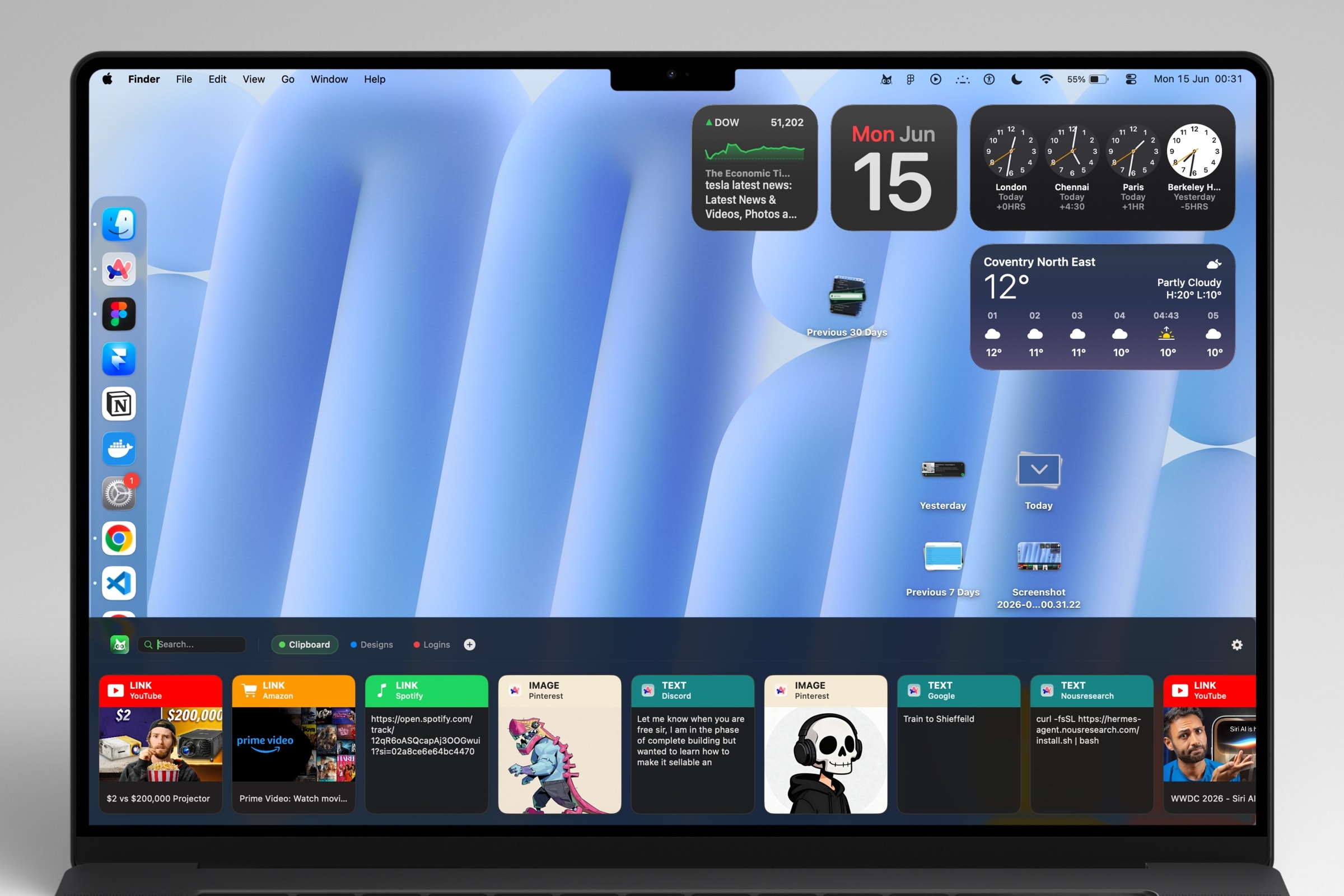
The name was already settled, so the cat was the only open question.
From Fork to Shipped
04Flow
Copy Cat is a fork of Maccy, an open-source clipboard manager that already worked and that nobody enjoyed looking at. I kept the engine and rebuilt everything above it: the interface in Figma, the trailer in After Effects, the site in Next.js, checkout on Lemon Squeezy, updates over a signed Sparkle feed.
Forked from Maccy by p0deje, MIT licensed. The engine, shortcuts, updater and settings are its work. Everything you can see is mine.
It shipped, and people pay for it.
05The outcome
Copy Cat is live at version 1.0.0 for macOS 14 and up on Apple silicon. Every feature is free for seven days, no card and no account, and after that it is bought once rather than rented. Here is what I would tell the next version.
- Shipped
- v1.0.0
- Platform
- macOS 14+
- Data
- On device
- Price
- One-time
- Updates
- Sparkle
- Built
- On a fork
copycat.deeproduct.org
Apple silicon
No account, no cloud, no sync
From £1.99, after seven days free
Signed appcast, in-app
New interface, inherited engine
After it shipped
Every bug and request goes on a public board and is ranked by vote, so the thing most people are actually stuck on is the thing built next. It runs on the support board.
Interactive Product Experience
Welcome. Add any problem you ran into.
Open
Nothing is submitted from here. Your requests clear on refresh.
What I would tell the next version
One Mac, and everything you copy is on it
On device is why I trust it. It is also why there is nothing on your phone.
A strip at the bottom is one shape, not the only one
A notch tray or a floating window would suit people who work differently. The panel should be able to be any of them.
Build the things people ask for
The requests on the board are the roadmap. Shipping the ones people vote for is what keeps a bought-once app worth buying.
Seven days free, then buy it once.
Try it
Great products happen when the right people meet.
Let's work together